Every growing business in India hits the same wall. The invoices are in someone’s inbox, the vendor agreements sit in a shared drive folder called “Final_new_2”, the employee files are in a steel almirah, and the one person who knows where everything lives is on leave the week the auditor arrives.
In short
- Folders and email are fine for storing files. They are poor at running the work around those files: approvals, renewals and audits.
- A document management system (DMS) files each document against a record, such as a vendor, customer or employee, so you find things by what they are about.
- For a small business, maker-checker approvals, expiry reminders and an audit trail matter far more than storage space.
- You can move off folders in about a month if you start with one department.
The real cost of folders, inboxes and paper
None of this looks expensive day to day. The cost shows up in three places.
Time. Ask your accounts team how long it takes to pull every invoice for one vendor for the last financial year. If the answer involves three inboxes and a drive, multiply that by every vendor, every quarter.
Missed dates. Trade licences, insurance policies, rent agreements, AMC contracts and employee documents all expire. A folder never reminds you. You find out when a renewal is overdue or a customer asks for a valid certificate.
Audits and questions. When a statutory auditor, a bank or a large customer asks who approved a payment, or which version of a contract was signed, a shared drive cannot tell you. Email threads sometimes can, if nobody has left the company.
What a document management system actually does
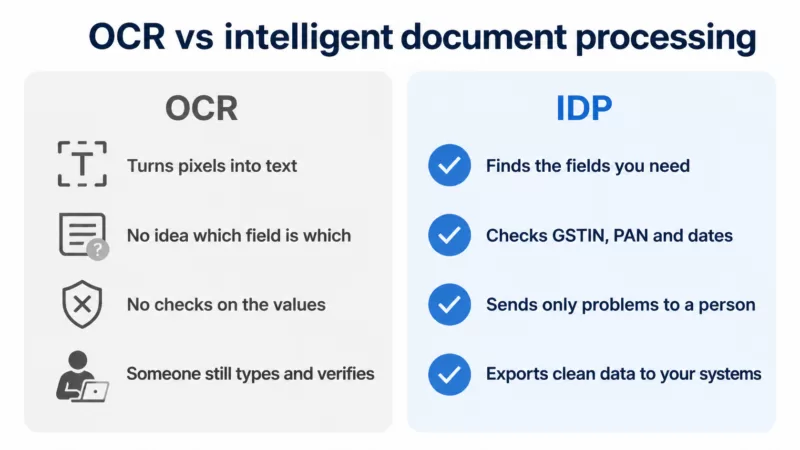
A DMS is not a bigger drive. The difference is that it understands what each document is, and it runs the work around it.
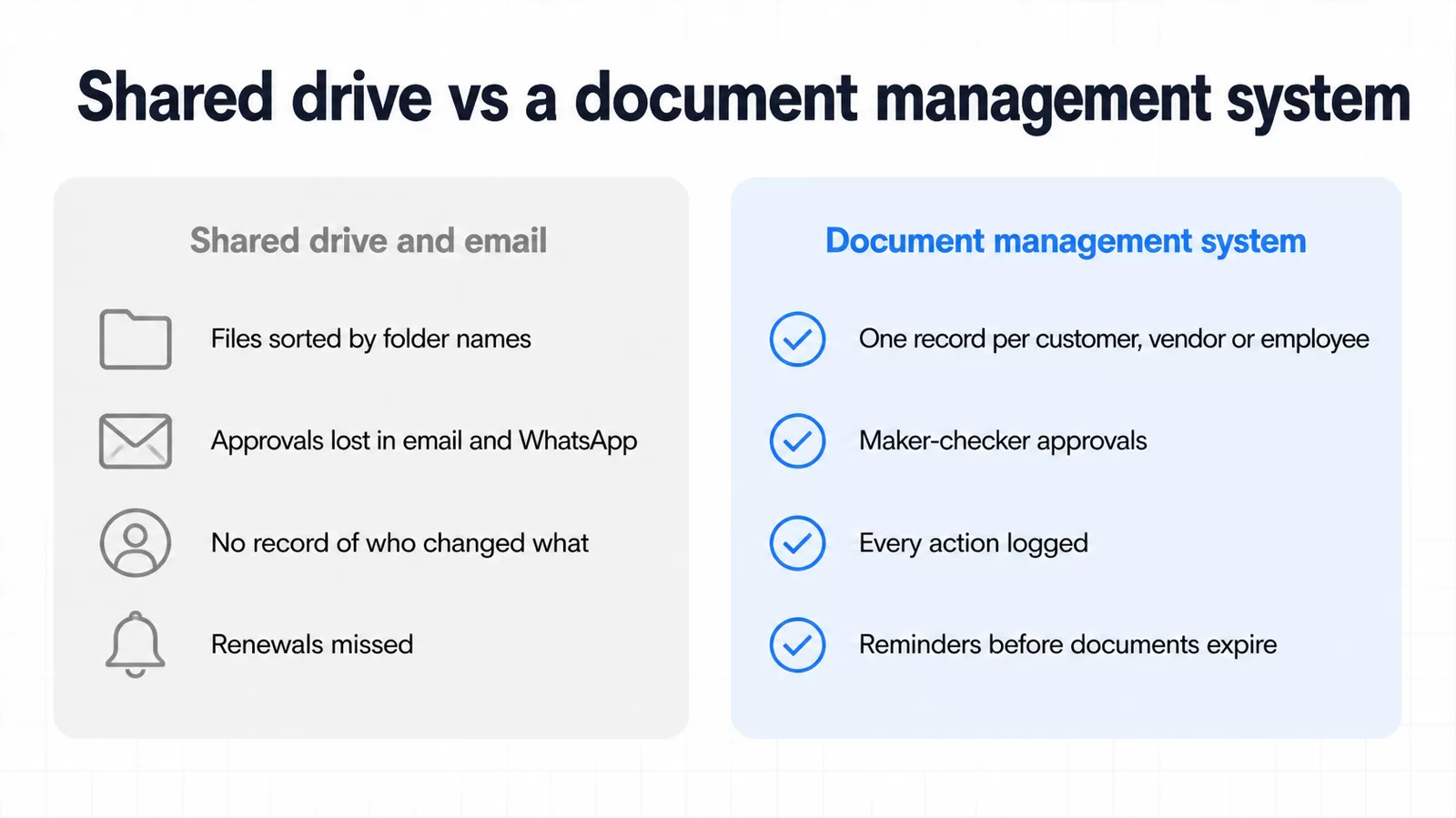
| Shared drive and email | Document management system | |
|---|---|---|
| Finding a file | Remember the folder and the file name | Search by record (vendor, customer, employee) or by details inside the document |
| Approvals | Email, WhatsApp or a signature on paper | Maker-checker steps with a named approver and a record of the decision |
| Who changed what | Not recorded | Every upload, view, approval and change logged |
| Expiry and renewals | A reminder in someone’s calendar, if at all | Reminders before a document lapses |
| Access | Shared links that travel | Role-based access, with sensitive IDs masked |
Records, not folders
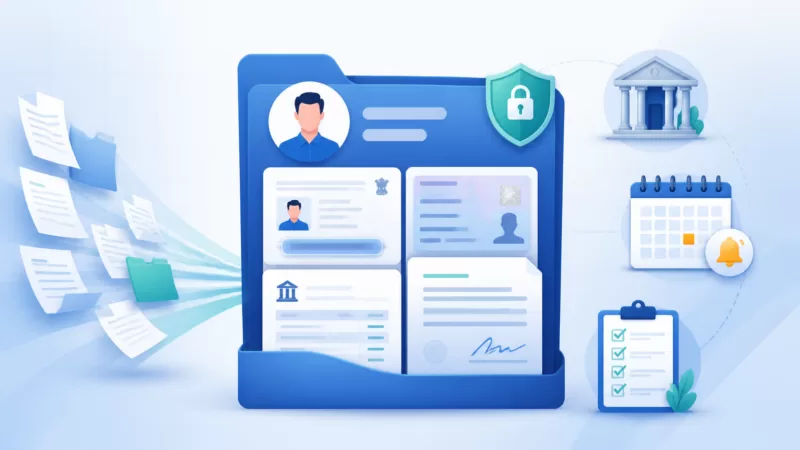
The idea that changes the most for small teams is simple. Instead of filing by folder, you file by record. A record is the thing your business actually deals with: a vendor, a customer, an employee, a loan, a patient or a machine.
Everything about Sharma Traders then lives in one place: their GST registration, PAN, signed agreement, every invoice and every payment approval. Nobody has to agree on folder names, and a new joiner does not need a tour of the drive. They search for the vendor and see the full history.
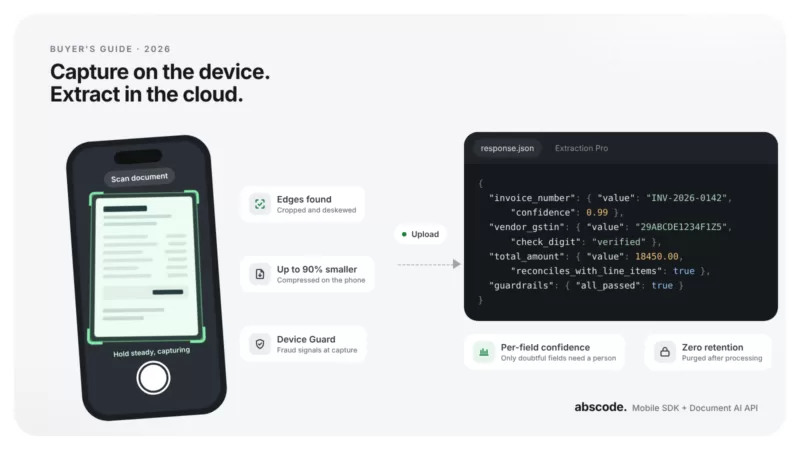
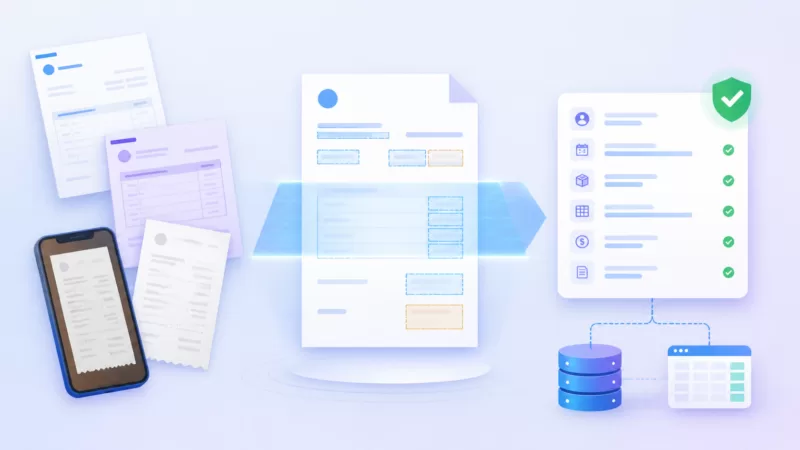
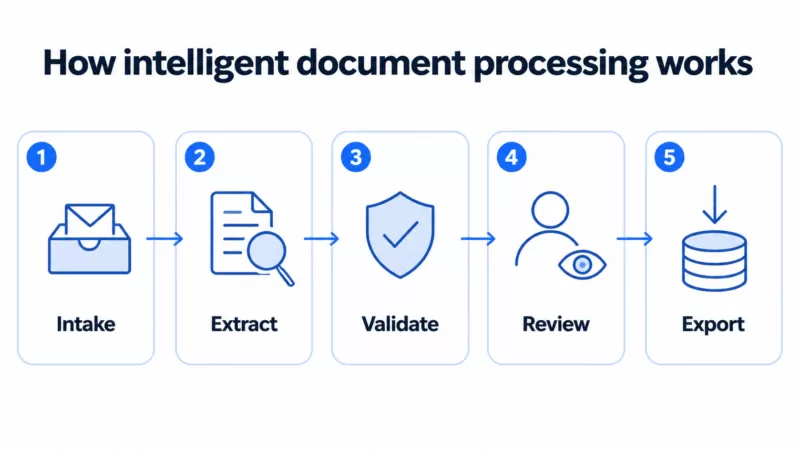
In Abscode DMS, each document is read as it arrives. The key fields are extracted and checked against the document type, and the document is filed against the right record. That step removes most of the manual data entry that makes people give up on filing properly.
Approvals with a maker and a checker
Banks have used maker-checker for decades, for good reason. One person prepares, another approves, and the system remembers both. For a small business the same pattern fits vendor payments, purchase orders, employee onboarding and policy sign-off.
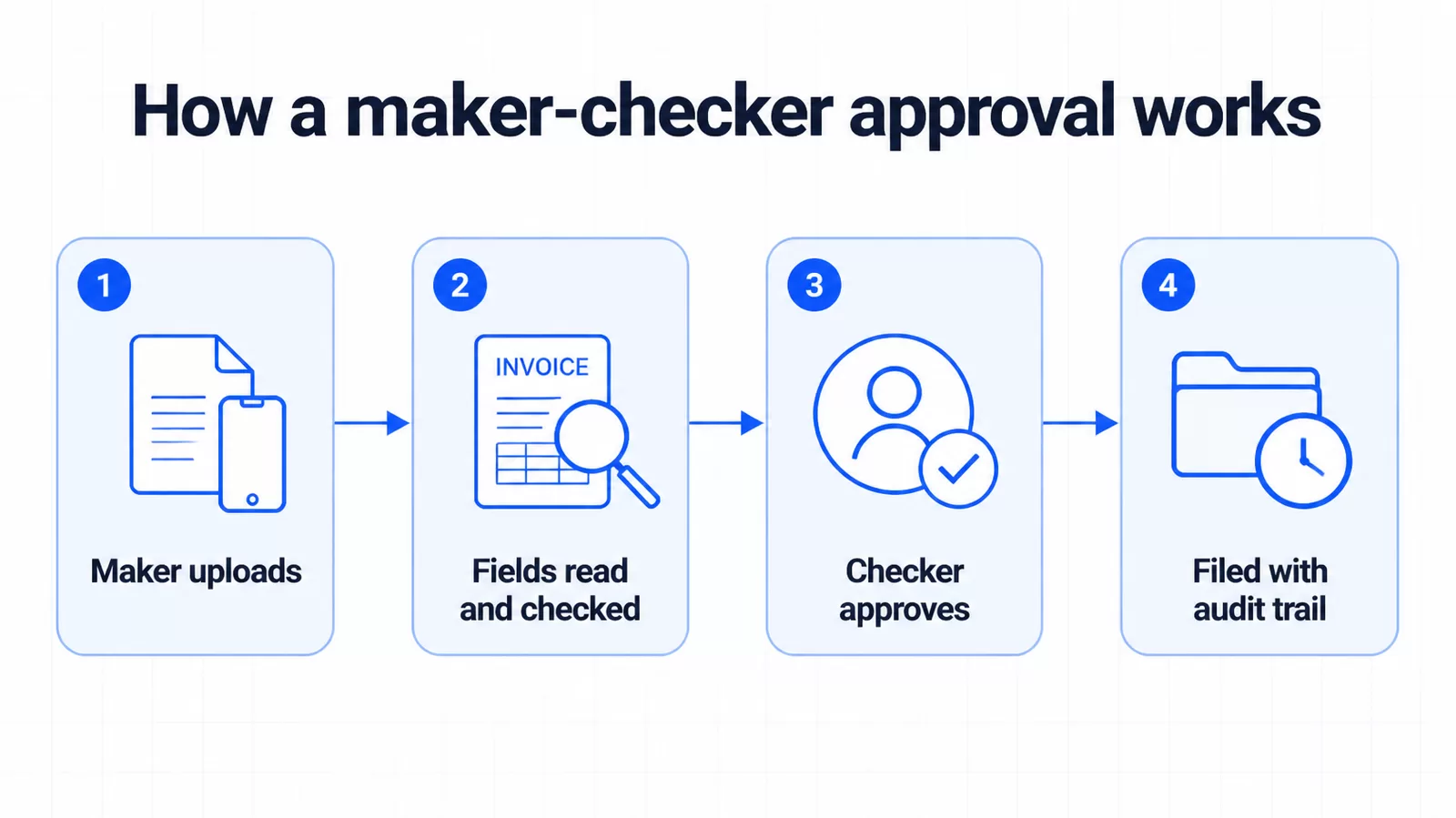
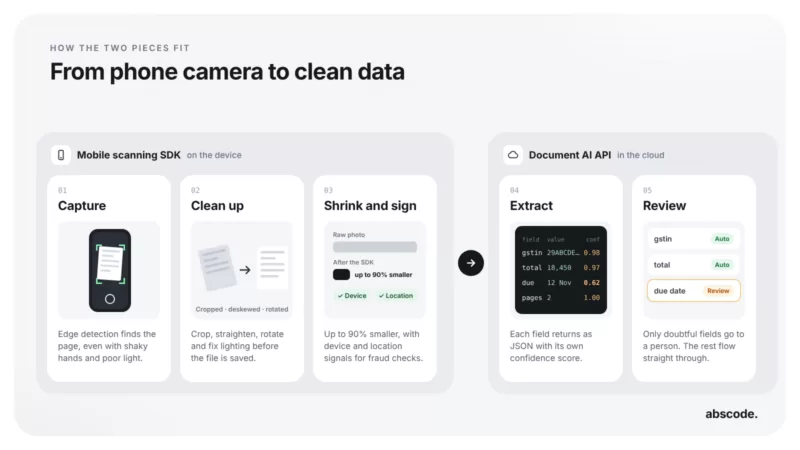
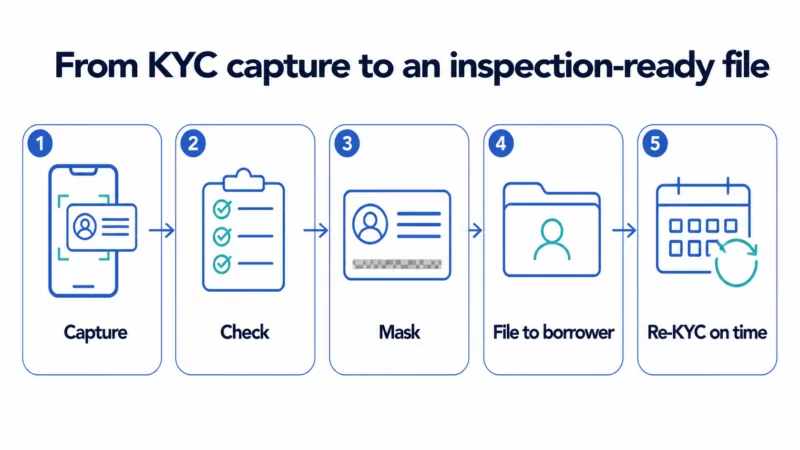
- The maker uploads. Someone in accounts uploads a vendor invoice, or scans it on a phone.
- Fields are read and checked. The GSTIN, invoice number, date and amount are extracted and checked, so obvious mistakes are caught before anyone approves.
- The checker approves. A second person reviews and approves, or sends it back with a note.
- It is filed with an audit trail. The invoice lands on the vendor’s record, with every step logged.
The benefit is not only control. Approvals stop living in personal inboxes and WhatsApp chats, so they survive leave, resignations and busy weeks.
The Indian compliance angle
Most small businesses in India keep documents for longer than they think they need to, and still cannot find them when asked. A few rules are worth knowing.
- GST. Registered businesses must keep their accounts and records for 72 months from the due date of the annual return for that year.
- Companies Act. Companies must preserve their books of account, with the vouchers behind them, for at least eight financial years.
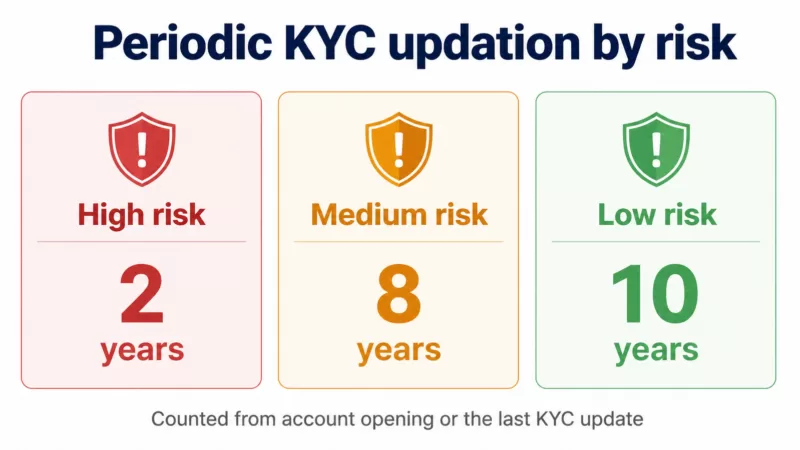
- DPDP Act. The Digital Personal Data Protection Act, 2023, with its Rules notified in November 2025, expects you to protect the personal data you hold, such as employee and customer IDs, and not keep it longer than you need it.
A DMS helps. It does not certify. A document system with access control, retention and an audit trail makes these obligations easier to meet and easier to prove. It does not replace advice from your CA or legal counsel on what applies to your business.
A 30-day plan to move off folders
The mistake most teams make is trying to digitise everything at once. Start with one department where the pain is obvious, usually accounts or HR.
- Week 1: pick one department and list its records. For accounts, that is vendors and customers. For HR, it is employees. Write down the five document types that matter most for each.
- Week 2: set up records and approvals. Create the record types, decide who is a maker and who is a checker, and add expiry dates to the documents that have them.
- Week 3: move the live documents. Upload or bulk-import the current year first. Older archives can follow once the team is comfortable.
- Week 4: change the habit. New documents go into the DMS only. Stop accepting approvals by email for that department, then review what was missed.
What to look for when you choose a DMS
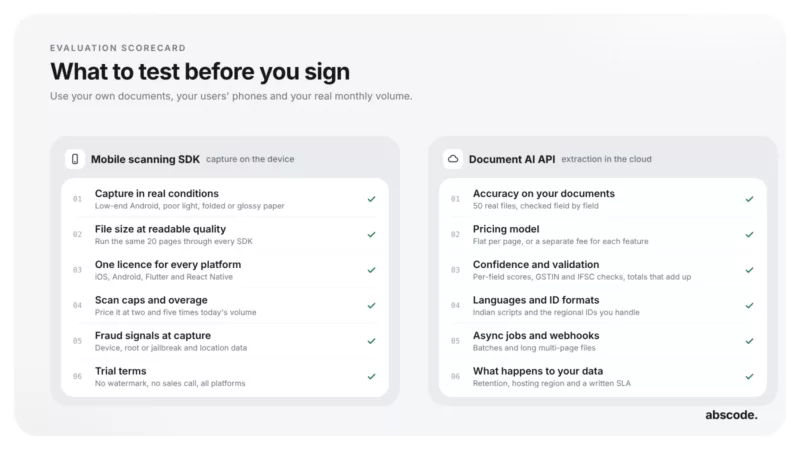
- Filing by record, with search inside documents, not only by file name
- Approvals you can set up yourself, without a developer
- Reminders for documents that expire or need review
- A complete, tamper-evident audit trail
- Role-based access, and masking of sensitive IDs such as Aadhaar and PAN
- Hosting in India, if your customers or regulators expect it
- Pricing that does not punish you for adding your whole team
Where Abscode DMS fits
We built Abscode DMS for exactly this stage of a business: too big for folders, not ready for a heavy enterprise rollout. It reads and verifies documents, files them against records, runs maker-checker approvals and keeps a full audit trail. Data is encrypted at rest and in transit, and hosted in your region.
Pricing is based on usage rather than seats, so adding the whole team does not change the bill, and there is a free plan to start with. If you have a cupboard of old files, Abscode can bulk-import a scanned paper archive and sort it into the right records and document types.
Common questions
Is a document management system only for large companies?
No. Small and mid-sized businesses often benefit most, because they have the same audit and renewal obligations as large companies but far fewer people to chase documents.
How is a DMS different from Google Drive or OneDrive?
A drive stores files in folders that someone has to name. A DMS reads each document, files it against a record, runs approvals and keeps an audit trail, so documents are complete and findable, not just uploaded.
Can we move our old paper files?
Yes. Start with current documents, then bulk-scan older archives in batches. Abscode DMS can sort a scanned archive into the right records and document types.
Do we pay for every user?
Not with Abscode DMS. Pricing is based on usage, not seats, so you can add everyone who needs access.
Where is our data stored?
Abscode hosts data in your region, with India, Africa and US options. Documents are encrypted at rest with AES-256 and in transit with TLS 1.2 or later.
What should we digitise first?
The documents you search for most, and the ones that expire. In accounts that usually means vendor invoices and agreements. In HR it means employee files.